3 - Project bar
Display
When enabled, the project bar can display multiple values.
The display will depend on the project bar mode 🔗 and the availability of a price.
BASIC_INFO + no price:

BASIC_INFO + price:

BASIC_INFO_WITH_BUTTON + no price:

BASIC_INFO_WITH_BUTTON + price:

Summary
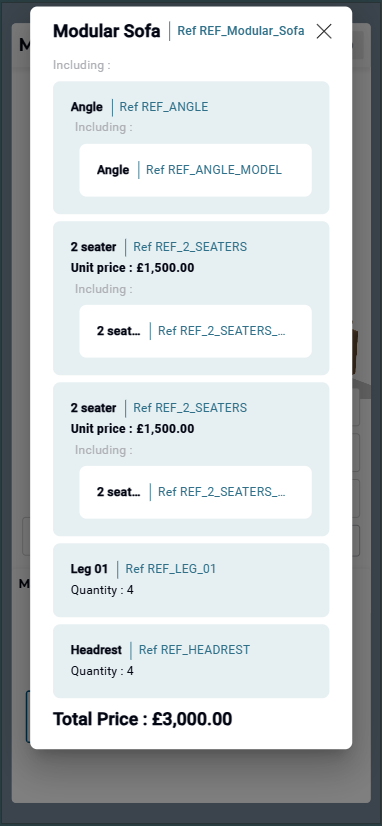
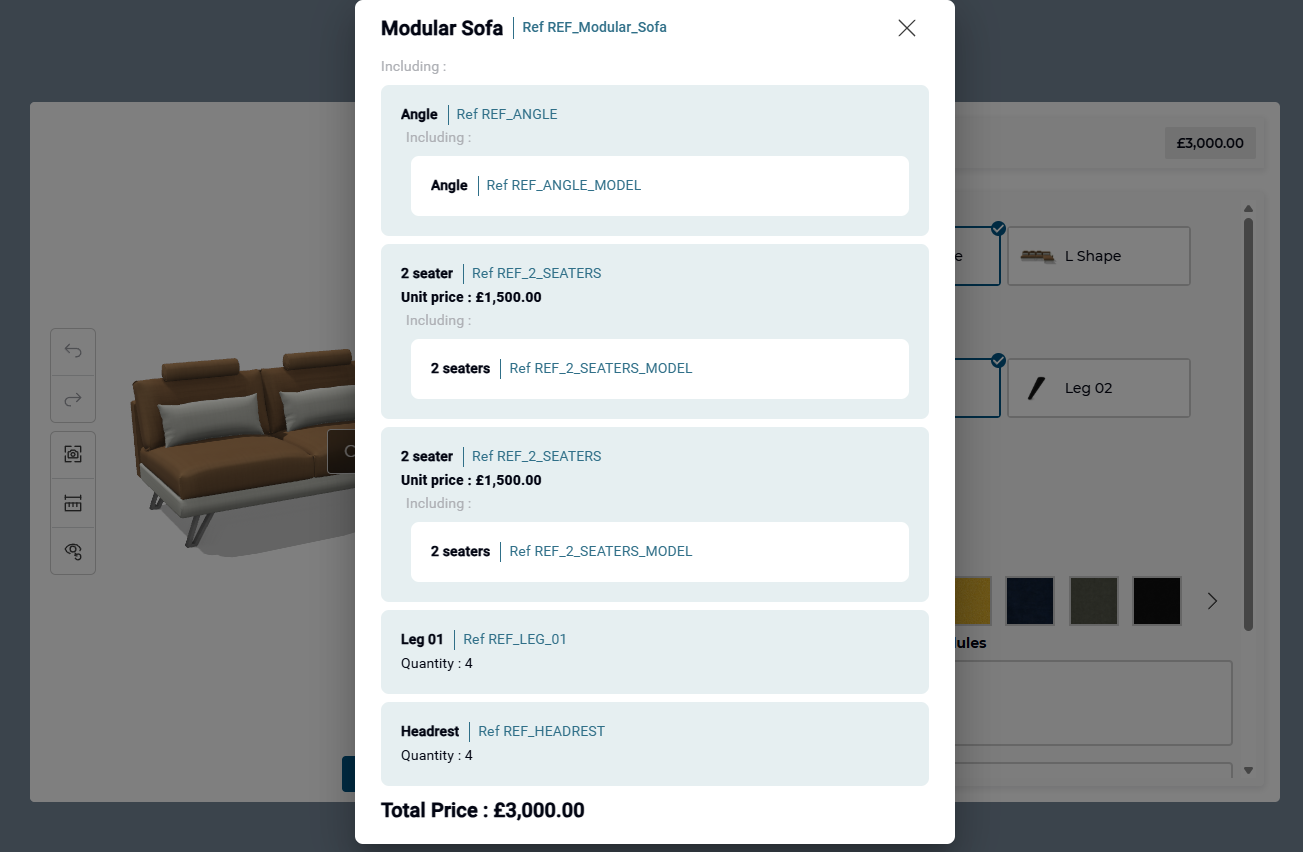
When the summary is enabled 🔗, clicking on the Project bar will open a summary of the current configuration.
info
When integrated in the planner, the project bar is replaced by the planner header. 🔗
Clicking on it will also open the summary.
It will display the main product, and details about it. The displayed data comes from the BOM 🔗, so it is the same data that can be used by a developer to add the configuration to a cart for example.
Desktop summary
Mobile summary